
Secure Hard Drive Wiping for New Port Richey, FL
Secure hard drive wiping for New Port Richey organizations with same-week scheduling. Chain of custody documentation and serial-level verification records included.
- Wiping Aligned to NIST SP 800-88 Rev. 2
- Chain of Custody and Serial-Level Verification
- Free Pickup for Qualifying Volumes in Pasco County
Wipe the drive, keep the hardware, and keep the record
Wiping sanitizes a drive with software so the hardware can be reused, returned to a lessor, or resold. STS serves New Port Richey from our 250,000 sq ft processing operation, with verification records for every drive.
IT directors across Pasco County, from healthcare to government, retire drives on fixed cycles and must reconcile every serial number. STS builds the wipe, the verification, and the reporting around that schedule.
Get a Free Quote
Method, reuse, and records: the three parts of every wipe
STS matches the sanitization method to the media, supports reuse and lease return, and documents each result by serial number.
Wiping Methods
Matched to each drive type
Reuse and Lease Return
Drives that go back to work
Verification Records
Serial-level documentation
Verified Hard Drive Wiping Aligned to NIST SP 800-88
STS Electronic Recycling provides secure hard drive wiping for New Port Richey organizations, using software to sanitize drives without destroying them. Operating since 2011, STS follows NIST SP 800-88 Rev. 2 methods and logs each result by serial number for Pasco County clients.
Method selection at STS Electronic Recycling happens per drive, not per batch. Hard disk drives typically receive a verified overwrite with read-back, while solid state and self-encrypting drives typically receive cryptographic erase or a manufacturer purge command. Wiping sits alongside our New Port Richey data destruction program.
Verified Overwrite
Verified overwrite with read-back confirmation on every hard disk drive
Cryptographic Erase
Key destruction on self-encrypting drives, logged by serial number
Manufacturer Purge
Vendor erase commands for solid state media
Pass or Fail Logging
Every drive logs a result, and failures route to destruction
Drive Type Check
Drive type and encryption state confirmed first
Unsupported Media Flags
Unsupported media flagged before any work begins
Wiping Drives Before Reuse or Lease Return
A wiped drive can keep working. Equipment that returns to service, goes back to a lessor, or moves between departments can be sanitized and documented instead of shredded.
STS engagements with healthcare systems typically involve off-hours pickup and serial-level wipe records, the pattern employers like Morton Plant North Bay Hospital (about 920 employees) tend to require. Organizations ending equipment agreements can pair drive sanitization with our New Port Richey lease buyout services.
According to the Global E-waste Monitor 2024, only 22.3% of the 62 million tonnes of e-waste generated in 2022 was documented as formally collected and recycled. Reusing wiped hardware keeps equipment in service.
Lease Return Preparation
Drives sanitized and documented before lease return
Internal Redeployment
Wiped PCs move between departments with a record
Resale Readiness
Sanitization logged before equipment is remarketed
Reuse Documentation
Serial-level records stay with the asset
Hardware Condition Check
Equipment screened so only reusable hardware moves forward
Pickup Scheduling
Pickup timed to your refresh or lease deadline
Records That Tie Back to Your Asset Register
STS Electronic Recycling documents chain of custody for New Port Richey drives from pickup through final processing. Each drive is logged by serial number, and its wipe result is recorded against that serial. Drives that fail verification move to New Port Richey hard drive shredding with the same records.
IT directors typically expect detailed per-drive records that reconcile with their asset register, included in every STS drive sanitization engagement.
Serial-Level Reports
Per-drive result tied to the pickup serial number
Chain of Custody
Documented handling from pickup through final processing
Failure Routing
Failed drives logged and moved to destruction
Audit-Ready Records
Reports formatted to match your asset tracking
Pickup Manifest
Serial numbers recorded before equipment is loaded
Final Disposition Tracking
Handling documented through final processing
Which equipment holds drives that can be wiped?
STS wipes the drives inside desktops, laptops, servers, and other equipment New Port Richey organizations retire or redeploy. Pasco-Hernando State College West Campus (about 9,400 students district-wide) and Keiser University anchor New Port Richey education, where lab and office PC fleets rotate on set cycles.
Organizations searching for hard drive wiping near New Port Richey find scheduled pickup for workstations, servers, and removed drives. Failed wipes route to destruction with their records intact.
Computing Equipment
Mobile & Telecom
Should you wipe or shred a drive?
Wipe a drive when it will be reused, returned to a lessor, or resold, and shred it when it fails verification or holds records your policy says must be destroyed. Drives sent to destruction are documented with a certificate of destruction.
According to the IBM Cost of a Data Breach Report 2026, the global average breach cost reached $4.99 million, with healthcare highest at $6.64 million. Serial-level records keep every drive on the asset register.
Law firms near the West Pasco Judicial Center and county offices near the West Pasco Government Center typically keep records on laptops that rotate out every few years. A documented wipe lets those machines leave with a record behind them.
HDD, SSD, or encrypted
before it moves
Result logged by serial
Failures routed to destruction
The standards a wipe record gets measured against
When evaluating data sanitization providers, IT directors typically prioritize serial-level documentation and chain of custody records. These frameworks shape how STS selects methods and documents each drive.
Chain of Custody
Serial-level tracking runs from pickup through final processing, so every drive has a documented path.
NIST SP 800-88 Rev. 2
Clear and Purge methods are matched to media type, with a verification result logged for each drive.
Accurate Reporting
Per-drive wipe results compile into one report that reconciles with your asset register and supports audit review.
Records designed to support HIPAA, FERPA, FACTA, SOX, and GLBA reviews
Request Compliance DocumentationWhat New Port Richey IT teams ask before a wipe
Wondering how wiping, documentation, and pickup work for organizations across Pasco County? Here are short answers.
What standards and documentation do you provide?
STS follows NIST SP 800-88 methods and provides serial-level wipe records, chain of custody documentation, and certificates of destruction for drives that move to shredding. Customers whose contracts name a specific overwrite pattern can ask which method applies.
What areas do you serve?
Our secure fleet serves New Port Richey, Port Richey, Holiday, Hudson, Gulf Harbors, Beacon Square, and the US 19 corridor. Free pickup for qualifying volumes covers all of Pasco County, including offices near the West Pasco Government Center, once eligibility is confirmed.
How long does pickup take?
Most New Port Richey pickups are scheduled within the same week the drive count is confirmed. Larger multi-site programs typically need more coordination, and STS confirms timing once the load is scoped.
Is pickup really free?
Pickup is free for qualifying business volumes, and STS confirms eligibility and scope before scheduling. There are no hidden fees, and volume discounts are available for larger programs.
What happens to a drive that fails verification?
A drive that cannot verify clean after a wipe attempt is not returned to service. It moves to physical destruction, with both records logged against the same serial number.
Can wiped drives support HIPAA documentation?
Wiping aligned to NIST SP 800-88 supports HIPAA disposal documentation when each result is recorded per drive. Healthcare teams typically file the serial-level record with their asset retirement paperwork.
Can solid state drives be wiped?
Yes, with methods matched to the media. Solid state drives typically use cryptographic erase or a manufacturer purge command, and STS logs each result by serial number.
What documentation comes with a wipe?
Each drive receives a per-serial result record, and the program receives one consolidated report with chain of custody details. Drives that move to shredding also receive a certificate of destruction.
What do you need from us to scope a pickup?
Drive types, approximate counts, and the number of sites are enough to start. STS confirms the sanitization method, timing, and free pickup eligibility after reviewing the load.
How should we prepare drives for pickup?
Share any asset list you already keep, since STS captures serial numbers at pickup and reconciles them against it. Drives can stay inside the equipment or be bundled after removal.
Still Have Questions?
Need a drive sanitization program scoped for your New Port Richey organization? Our team can answer compliance questions too.
Call (844) 699-2913 Email Our TeamWhere Your Equipment Is Processed
STS Electronic Recycling, Inc. is headquartered in Jacksonville, Texas, and has served schools, businesses, healthcare systems, and government agencies across all 50 states since 2011.
Equipment collected in New Port Richey is staged locally and transported to one of our two R2v3 certified processing facilities in Jacksonville, Texas and Houston, Texas, where all data destruction and material recovery takes place.
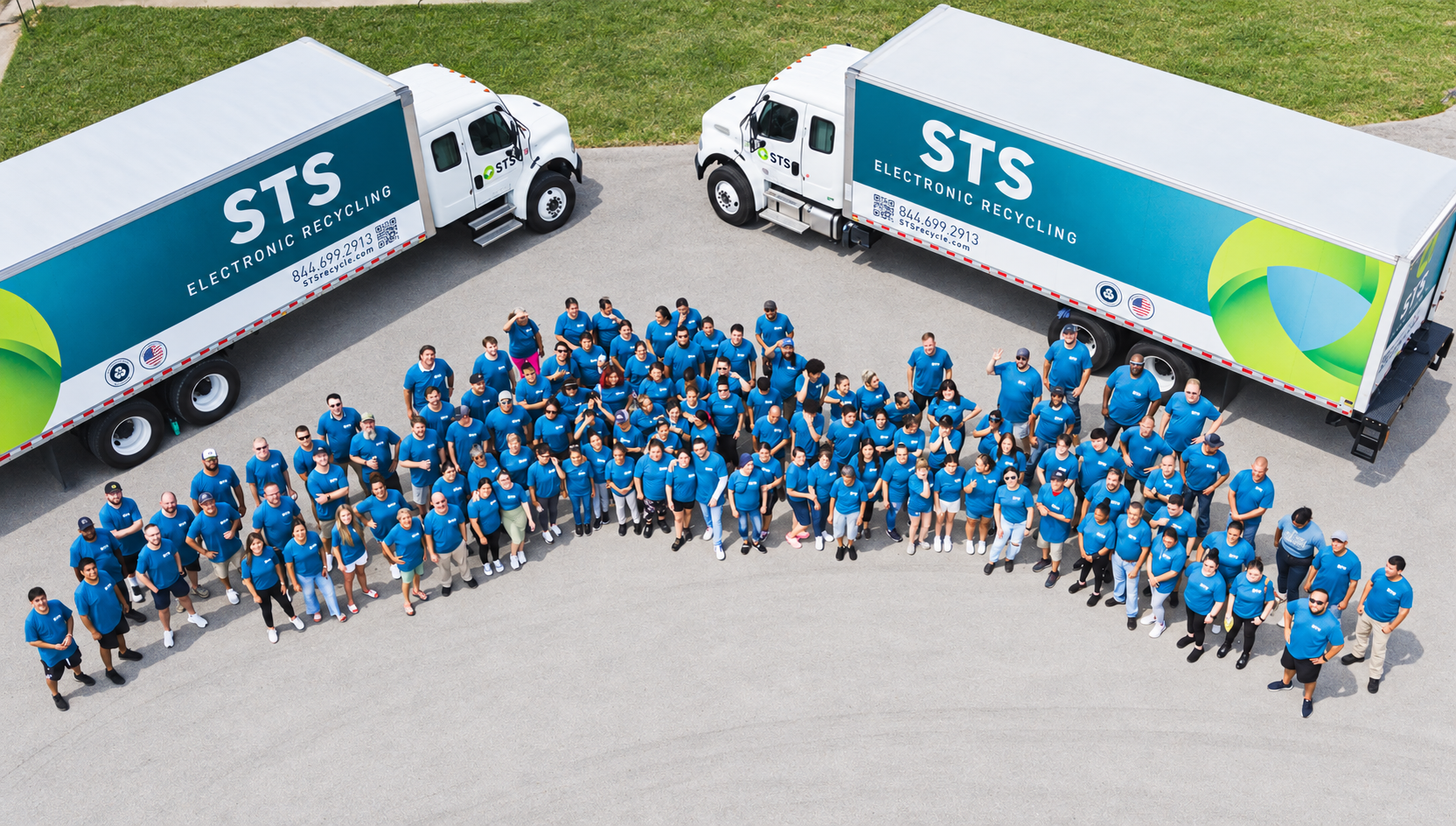
Collection, transport and processing are staffed by STS crews rather than subcontracted to a third-party carrier, which is why the chain of custody holds from your dock to the certificate.
Ready to Wipe and Verify Your New Port Richey Drives?
Free pickup for qualifying volumes across New Port Richey and Pasco County. Same-week scheduling with serial-level reporting and a single point of contact.




