Windows 10 End-of-Life: The $78 Billion E-Waste Crisis Hiding in Your IT Refresh Budget
Microsoft ended Windows 10 support October 14, 2025, forcing CIOs to navigate 240 million device retirements, HIPAA compliance gaps, and unprecedented e-waste management challenges
The Synchronized Technology Transition Nobody Planned For
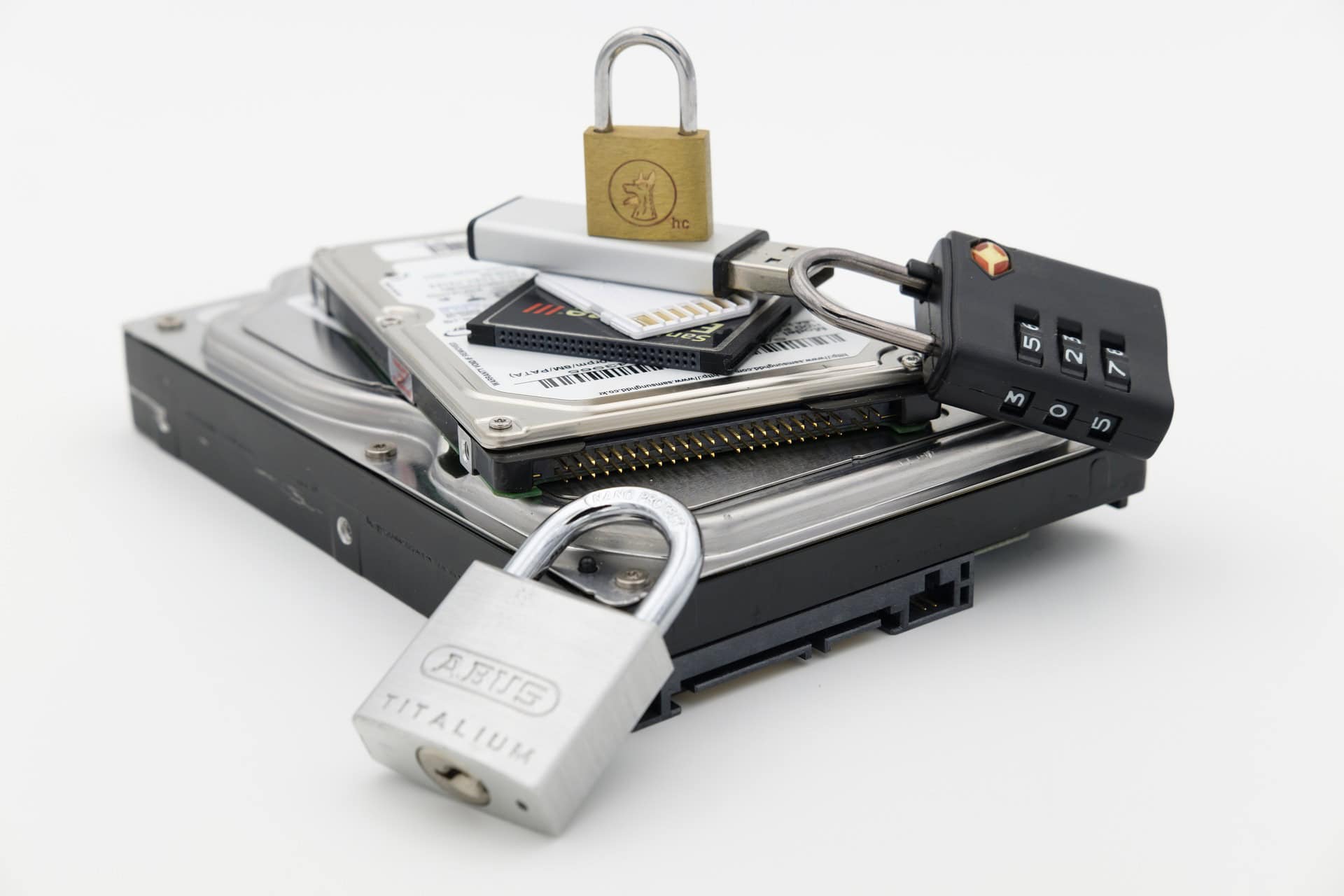
When IT directors search "Windows 10 end of support date" or "Windows 11 incompatible devices disposal," they discover a timeline that's already passed and a compliance challenge that's just beginning. Microsoft's October 14, 2025 deadline wasn't merely a support cutoff—it triggered one of the most synchronized technology transitions the IT asset disposition sector has witnessed, with roughly 320 to 350 million laptops entering refresh cycles between late 2026 and 2028.
The approaching Windows 10 era's conclusion sets in motion a massive fleet turnover with substantial environmental consequences. Industry analysts estimate an astounding 1.06 billion pounds of e-waste (equivalent to 320,000 cars or 240 million PCs) could result from this transition. If these were standard laptops stacked, they would create a pile towering 372 miles higher than the moon.
Poor electronic waste management practices cause $78 billion in externalized costs to human health and the environment each year according to UN research, and improper disposal of Windows 10 devices threatens to push emissions and contamination even higher as organizations worldwide simultaneously retire hardware that cannot meet Windows 11's strict hardware requirements for enterprise IT asset disposition.
Why This Matters for IT Leaders Now
October 14, 2025 marked a technical pivot: After this date, Microsoft no longer provides standard security updates, non-security fixes, or routine technical support for Windows 10 Home, Pro, Enterprise, Education, and IoT editions. Devices continue functioning, but their exposure to new vulnerabilities grows over time as attackers target unpatched flaws.
Compliance exposure accelerates: Organizations subject to regulations (HIPAA for healthcare, SOX for public companies, GLBA for financial institutions) treat unsupported endpoints as baseline control failures. Auditors flag unpatched operating systems, and cyber insurance policies often exclude coverage for known unpatched systems, creating both audit findings and potential penalties.
The ESU trap is expensive: Extended Security Updates are available for $61 per device annually for enterprises, with pricing doubling each consecutive year ($122 second year, $244 third year). For organizations with hundreds or thousands of devices, ESU costs quickly exceed Windows 11 migration investments, making it a temporary bridge rather than a long-term solution.
The Hardware Compatibility Wall Forcing Premature Retirement
Microsoft's Windows 11 system requirements create what critics describe as planned obsolescence, forcing retirement of devices that remain perfectly functional for business operations. The vendor requires: TPM 2.0 (Trusted Platform Module for hardware-based security attestation), UEFI firmware with Secure Boot capability, 64-bit processor running at 1 GHz or faster with 2+ cores, 4 GB RAM minimum, and 64 GB storage.
Most critically, Windows 11 only supports 8th-generation Intel processors (released 2017) or AMD Ryzen 2000 series and newer. Microsoft maintains a CPU compatibility list that explicitly excludes older but functional processors. Organizations with fleets of perfectly viable Windows 10 PCs purchased before 2018 face a stark choice: premature device retirement or operating on unsupported systems with escalating security and compliance risk.
Multiple market trackers showed Windows 11 gaining momentum through 2025, with StatCounter reporting that Windows 11 overtook Windows 10 in mid-2025. Yet the installed base mix still left a significant proportion of endpoints on Windows 10 going into the October deadline. This mixed adoption—with pockets of high-risk legacy systems concentrated in SMBs, education, and public sector organizations—creates the central operational and compliance problem IT leaders must now resolve.
Four Windows 10 End-of-Life Strategies and Their Hidden Costs
Organizations face compressed timelines and rising risk. Each approach carries distinct compliance implications, environmental consequences, and total cost of ownership considerations that extend beyond immediate procurement budgets.
Hardware Replacement (Capital Intensive)
Benefits: Restores supported vendor platform, enables modern security features (TPM-based attestation, secure boot, VBS), aligns with vendor support lifecycles.
Downsides: High capital expense, supply-chain timing constraints, potential application compatibility work, retraining requirements, and environmental impact of manufacturing new devices (hundreds of kg raw materials and thousands of liters water per laptop).
Extended Security Updates (Temporary Bridge)
Benefits: Time-boxed bridge buying migration runway for enterprises unable to complete fleet refresh by deadline.
Downsides: ESU is a paid stopgap, not a substitute for long-term strategy. Enterprise costs escalate dramatically: $61 per device first year, $122 second year, $244 third year. For 1,000-device fleet, three-year ESU totals $427,000 versus one-time migration investment.
Network Segmentation (Risk Mitigation)
Strategy: Isolate legacy devices via network microsegmentation, reduce privilege and access, apply robust endpoint detection and response (EDR) to compensate where possible.
Requirements: Enforce strong account hygiene (MFA, least privilege), block legacy protocols, firewall exposed RDP, deploy enterprise EDR with enhanced logging, monitor for unusual lateral movement from potentially compromised endpoints.
Alternative OS Migration (Linux/ChromeOS)
Use Case: Lightweight operating systems like Linux Mint, ChromeOS Flex, or Ubuntu can extend device lifespan for general-purpose endpoints (web browsing, documents, email).
Limitations: Enterprise line-of-business apps, print drivers, and security tools are tightly coupled to Windows. Peripheral drivers (specialized scanners, embedded devices) can be showstoppers. Helpdesk support models require adaptation and new training.
The True Cost of 240 Million Device Retirements
Windows 10 end-of-life creates environmental consequences beyond typical technology refresh cycles. The synchronized nature of this transition—driven by strict hardware compatibility requirements rather than device failure—concentrates e-waste generation and resource consumption into a compressed timeframe.
Why Improper Windows 10 Device Disposal Creates Regulatory Exposure
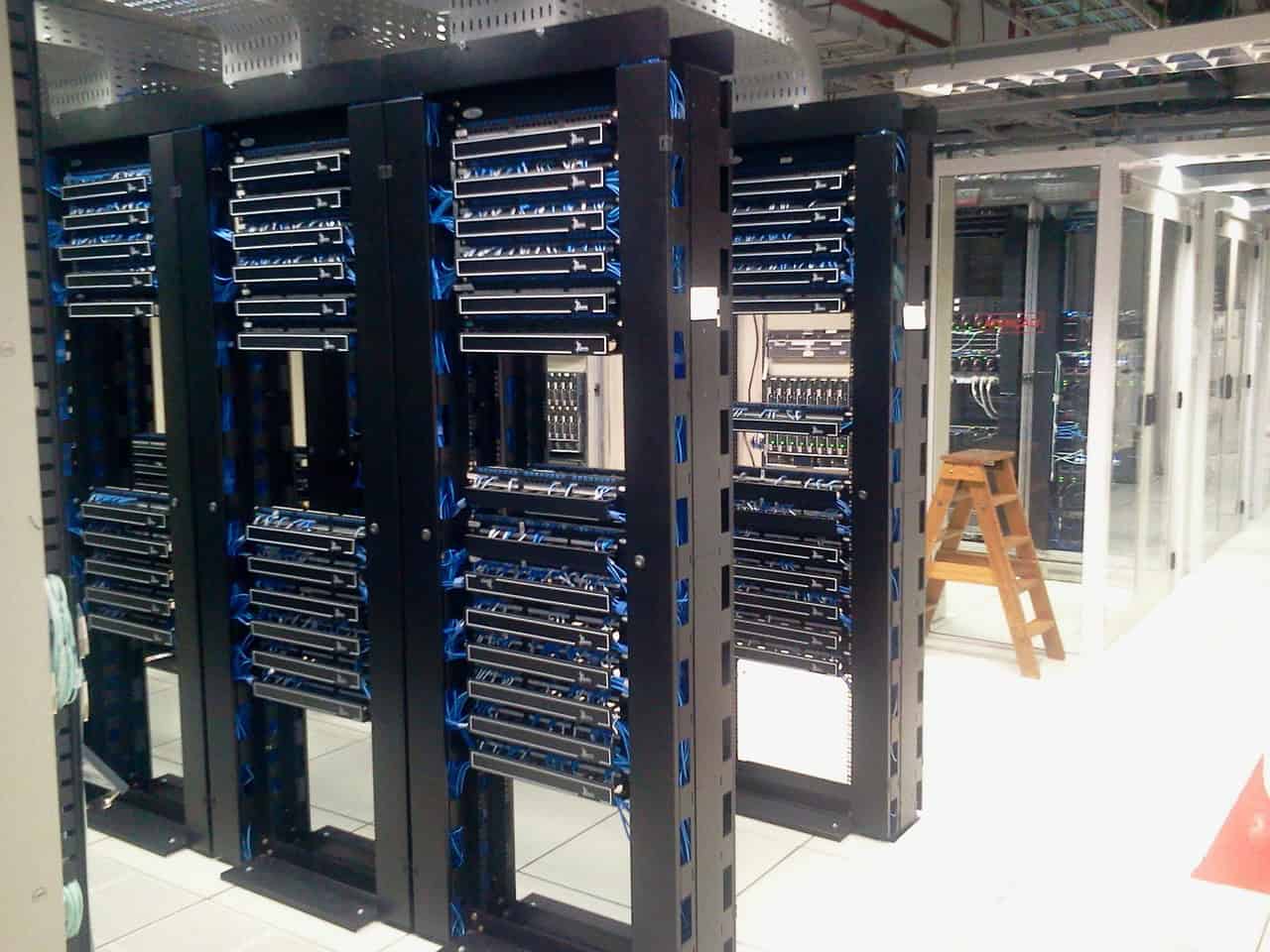
The UK already generates more than 1.5 million tonnes of electronic waste annually, with laptops comprising a significant portion. Improper disposal wastes valuable materials (gold, silver, rare earth elements) while risking toxic substances (lithium, mercury, lead) leaching into soil and water. Worse still, many devices sent for "recycling" are actually shipped overseas where they're dismantled in unsafe conditions or end up in landfills.
Hazardous Materials Requiring Specialized Handling
Inside every laptop or desktop tower are recoverable materials (copper worth £100 million, gold worth £1.6 billion, silver worth £33 million based on metal recovery rates), but recovering them safely is expensive. Old batteries are an even bigger risk—they're responsible for hundreds of fires in recycling centers and waste lorries every year in the UK alone.
Globally, nearly 48 million tonnes of electronic waste each year is not recycled properly. Much of it is shipped to developing countries, then burnt to extract metals, releasing toxic chemicals into soil and water supplies. The World Health Organization reports that e-waste contamination causes developmental delays and stillbirths, with the toll especially heavy in the developing world which for decades has been a dumping ground for electronics from developed countries.
2026 ESG Reporting Requirements Increase ITAD Documentation Burden
In 2026, regulators are expected to place greater emphasis on demonstrating verifiable IT asset controls as part of ESG and data-protection reporting. Organizations must now comply with: Corporate Sustainability Reporting Directive (CSRD) requiring large companies to report FY 2025 ESG data by 2026 with independent assurance published alongside financial statements, California SB 253 requiring companies with $1B+ revenue to disclose Scope 3 emissions starting 2027 for 2026 data (including IT equipment end-of-life treatment), and ISO 27001:2022 transition (2013 certifications expired October 2025) emphasizing verifiable asset lifecycle controls and continual improvement.
Organizations treating Windows 10 migration, ESG reporting, and data protection as separate compliance exercises will duplicate effort and miss the fundamental reality: all three frameworks demand the same underlying capability—comprehensive, auditable documentation of how IT assets are managed from acquisition through final disposition with serialized certificates of destruction.
Documentation Requirements That Meet Audit Standards
Most organizations find their existing vendor relationships must be fundamentally restructured to support ESG compliance and 2026 audit standards. New contracts should explicitly require: serialized asset-level tracking and reporting (not periodic summary reports), environmental impact quantification using recognized methodologies (GHG Protocol, CSRD requirements), regular facility audits with documented findings, incident escalation protocols for chain-of-custody breaks or data destruction failures, and direct access to vendor tracking portals rather than quarterly PDF reports.
Chain-of-Custody Documentation Standards
Maintaining well-documented chain of custody throughout the ITAD process is crucial for ensuring accountability and transparency. Documentation should detail every step—from collection and transportation to final disposition of IT assets. Such records help in tracking movement and handling of assets, providing clear accountability at each stage.
Rigorous documentation is vital for internal tracking and critical during external audits, demonstrating compliance with legal and regulatory requirements. Organizations should implement: serialized asset tracking from pickup through final disposition, individual Certificates of Destruction meeting NAID AAA standards, chain-of-custody documentation with timestamps and signatures, detailed disposition reports showing destruction methods used, and retention aligned with compliance requirements (HIPAA requires 6 years, SOX requires 7 years).
Data Sanitization Methods for Windows 10 Devices
Compliance with data protection laws (GDPR in EU, HIPAA in US for healthcare) mandates strict measures for protecting personal and sensitive data. ITAD processes must include secure data deletion methods to prevent unauthorized access to data previously stored on devices.
NIST 800-88 provides the framework: Clear (logical techniques to sanitize data in user-addressable storage locations), Purge (physical or logical techniques rendering target data recovery infeasible using laboratory techniques), or Destroy (physical destruction rendering media unusable and target data unrecoverable). For Windows 10 devices containing HIPAA-protected health information or SOX financial records, organizations typically require Purge-level sanitization verified with serialized reports or physical Destroy with witnessed shredding and photographic documentation.
How to Budget for ESG-Compliant Windows 10 Device Disposal
ESG-compliant ITAD costs 15-30% more than basic commodity recycling services, but the premium should be viewed as compliance infrastructure rather than discretionary expense. Budget allocations should cover: certified vendor services with comprehensive documentation and reporting (expect $8-15 per laptop/desktop unit versus $3-5 commodity rates), serialized tracking and reporting platform access, value recovery programs offsetting disposal costs 15-40% through equipment remarketing, and compliance risk mitigation.
Total Cost of Ownership: ESU vs. Migration
Extended Security Updates create a compelling case for migration when considering total cost of ownership. Individual consumer costs of $30 per year and enterprise costs starting at $61 per device annually (doubling each consecutive year to $122, then $244) quickly exceed Windows 11 migration investments.
For a 1,000-device enterprise fleet, three-year ESU totals $427,000 ($61K year 1 + $122K year 2 + $244K year 3) versus a one-time migration investment of approximately $800-1,200 per device for hardware replacement plus ITAD disposal ($8-15 per device). Organizations choosing ESU beyond year one are typically buying runway for complex application compatibility testing or budget cycle alignment, not pursuing it as a permanent strategy.
Hidden Costs of Non-Compliance
Delaying migration or choosing improper disposal routes incurs several hidden costs organizations don't initially consider: Security incident response (potential costs of data breaches, ransomware recovery, system restoration), compliance penalties (fines and certification losses for organizations in regulated industries like healthcare where average HIPAA penalties for improper disposal reach $98,000 with highest violations at $6.8 million), productivity loss (unsupported systems progressively lose application compatibility), and insurance exclusions (cyber insurance policies often exclude coverage for known unpatched systems).
Value Recovery Programs Offset Disposal Costs
Certified ITAD providers can offset Windows 10 device disposal costs 15-40% depending on equipment age and condition through remarketing programs. Functional devices retired due to Windows 11 incompatibility (but still running Windows 10 without hardware failure) have strong secondary market value in sectors with lower security requirements or for organizations willing to accept ESU costs.
Organizations should demand transparent per-device pricing, clear documentation of potential additional charges, detailed value recovery reporting showing equipment resale proceeds, and item-by-item breakdowns enabling offset of lifecycle costs while maintaining full compliance and chain-of-custody documentation.
Comprehensive Solutions for Enterprise Fleet Transitions
STS Electronic Recycling provides specialized ITAD services designed for large-scale Windows 10 device retirements, ensuring compliance with data protection regulations while maximizing value recovery and meeting ESG reporting requirements.
Windows 10 End-of-Life ITAD Questions
What happens to Windows 10 computers after October 14, 2025?
After October 14, 2025, Windows 10 devices continue to function but no longer receive security updates, feature patches, or technical support from Microsoft. This creates escalating cybersecurity risk as newly discovered vulnerabilities remain unpatched. Organizations subject to compliance regulations (HIPAA, SOX, GLBA) treat unsupported endpoints as audit findings. Extended Security Updates (ESU) are available for $61 per device annually for enterprises, with costs doubling each year, but this is designed as a temporary bridge, not a long-term solution.
Why can't we just keep using Windows 10 devices?
Continuing to use Windows 10 after end-of-support creates three critical problems: cybersecurity exposure (unpatched zero-day vulnerabilities become persistent attack surfaces), compliance violations (regulated industries like healthcare and finance cannot operate on unsupported systems without audit findings), and insurance liability (cyber insurance policies often exclude coverage for known unpatched systems). Additionally, business applications and cloud services will progressively drop Windows 10 compatibility, creating operational disruption beyond just security concerns.
How much e-waste will Windows 10 end-of-life create?
Industry analysts estimate that 240 million PCs worldwide cannot meet Windows 11 hardware requirements and face retirement. If devices average 3.5 pounds, this represents approximately 1.06 billion pounds (480 million kg) of electronic waste. The UK alone produces 1.5 million tonnes of e-waste annually, with Windows 10 transition adding significant additional volume. Poor e-waste management practices cause $78 billion in externalized environmental and health costs annually according to UN studies, and improper disposal releases toxic substances including mercury, lead, and lithium into soil and water supplies.
What are Windows 11 hardware requirements that make old PCs incompatible?
Windows 11 requires: TPM 2.0 (Trusted Platform Module for hardware-based security), UEFI firmware with Secure Boot capability, 64-bit processor (1 GHz or faster with 2+ cores), 4 GB RAM minimum, and 64 GB storage. Most critically, Windows 11 only supports 8th-generation Intel processors (2017) or AMD Ryzen 2000 series and newer. Devices purchased before 2018 typically lack these requirements. Microsoft maintains a CPU compatibility list excluding older but functional processors, which industry critics argue creates planned obsolescence forcing premature hardware retirement.
What ITAD compliance requirements apply to Windows 10 device retirement?
Organizations must implement: NIST 800-88 compliant data sanitization (Clear, Purge, or Destroy methodologies), serialized asset tracking with chain-of-custody documentation, individual Certificates of Destruction for each data-bearing device, and audit-ready reporting aligned with retention requirements (HIPAA requires 6 years, SOX requires 7 years). Additionally, 2026 ESG reporting mandates require comprehensive ITAD documentation: Corporate Sustainability Reporting Directive (CSRD) requires FY 2025 ESG data by 2026, California SB 253 requires Scope 3 emissions disclosure including IT equipment end-of-life, and ISO 27001:2022 emphasizes verifiable asset lifecycle controls.
How should we budget for Windows 10 device replacement and disposal?
ESG-compliant ITAD costs 15-30% more than commodity recycling, typically $8-15 per laptop versus basic disposal rates. However, Extended Security Updates cost $61 per device first year, doubling annually to $122 second year and $244 third year, making migration more cost-effective long-term. Budget planning should include: certified ITAD vendor services with comprehensive documentation, serialized tracking and reporting platforms, value recovery programs that offset disposal costs 15-40% through equipment remarketing, and procurement for replacement devices with volume discounts. Organizations should also factor compliance risk costs: average HIPAA penalties for improper disposal reach $98,000, with highest violations at $6.8 million.
Navigate Windows 10 End-of-Life with Compliant, Cost-Effective ITAD Solutions
Don't let Windows 10 device retirement create compliance vulnerabilities, ESG reporting gaps, or budget overruns. Partner with STS Electronic Recycling for certified ITAD services designed for enterprise fleet transitions.
Get A Free Quote
NIST 800-88 Compliant
Certified data destruction with audit-ready documentation
Multi-Certified
NAID AAA, R2v3, ISO 27001 standards
Value Recovery
Equipment remarketing offsets disposal costs 15-40%